
MCP Server
MCP servers provide external tools to the Agent. On desktop, they are primarily contributed by built-in plugins, connectors, and product integrations, then started, validated, and routed by Mogick.
Inspect the current task
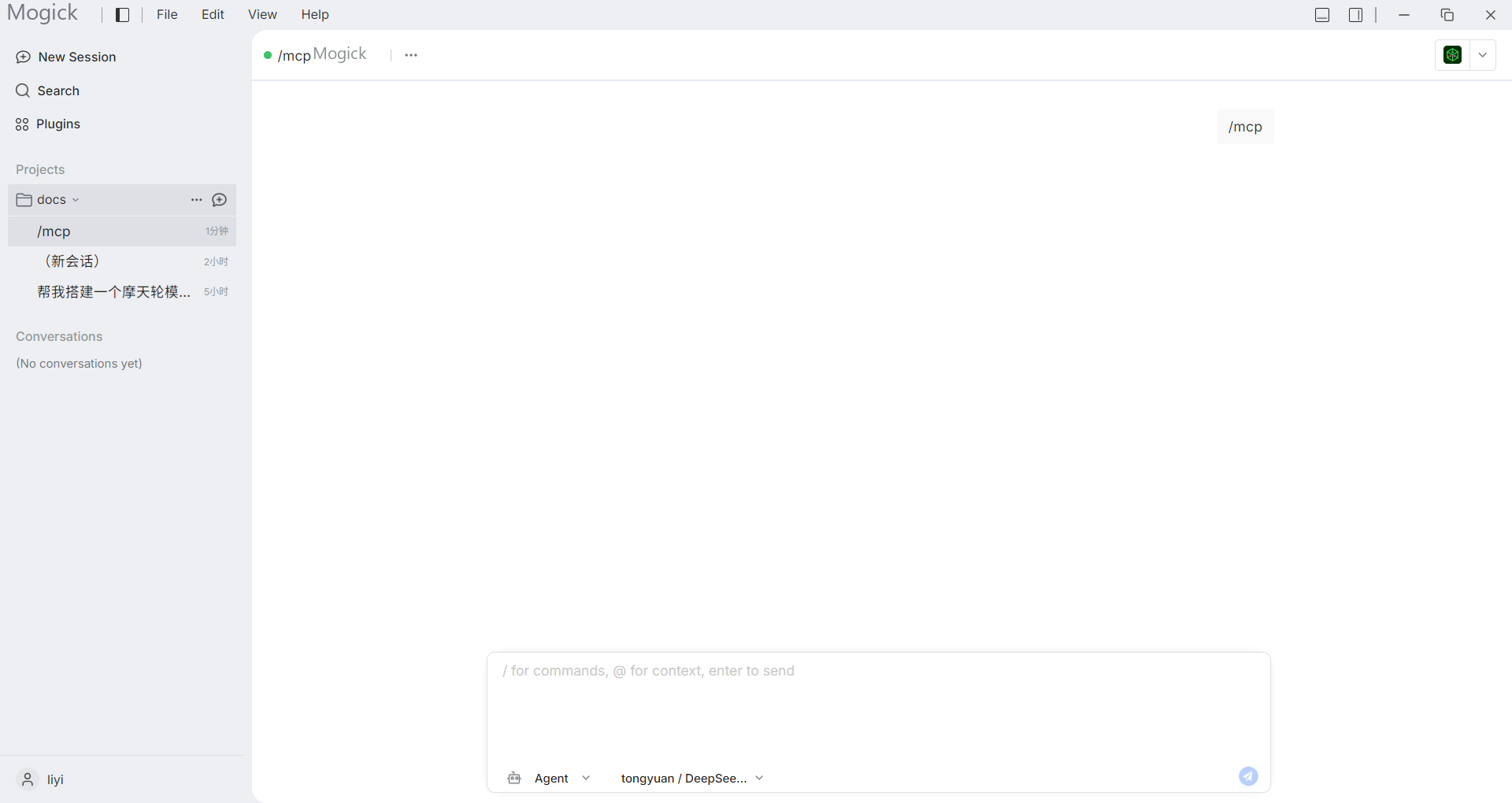
Type /, select mcp, and send it. Mogick lists the servers connected to the current task, their tool and resource counts, and the purpose of every visible tool.
Where capabilities come from
A plugin detail page shows its declared MCP servers. A server becomes effective only after the plugin is enabled, its permissions and entry point pass validation, and the host admits the runtime contribution. Connectors can also require a locally installed product.
Task isolation
Stateful or blocking MCP runtimes use task-specific upstream contexts. Explicitly shareable stateless runtimes may be reused. Archiving, deleting, or releasing task resources unregisters that task's MCP context.
Starting a server can happen on first use. If it fails, inspect the relevant plugin or connector for a missing product, invalid executable, incompatible version, or missing runtime component. A pending plugin change may require restarting Mogick before it becomes effective.
Plugin declarations request capabilities; they do not automatically grant process, file, or network permissions. MCP calls remain subject to the host admission and approval policy.