
Sessions and tasks
A session is the context in which you collaborate with Mogick to complete a task. A project can contain multiple sessions.
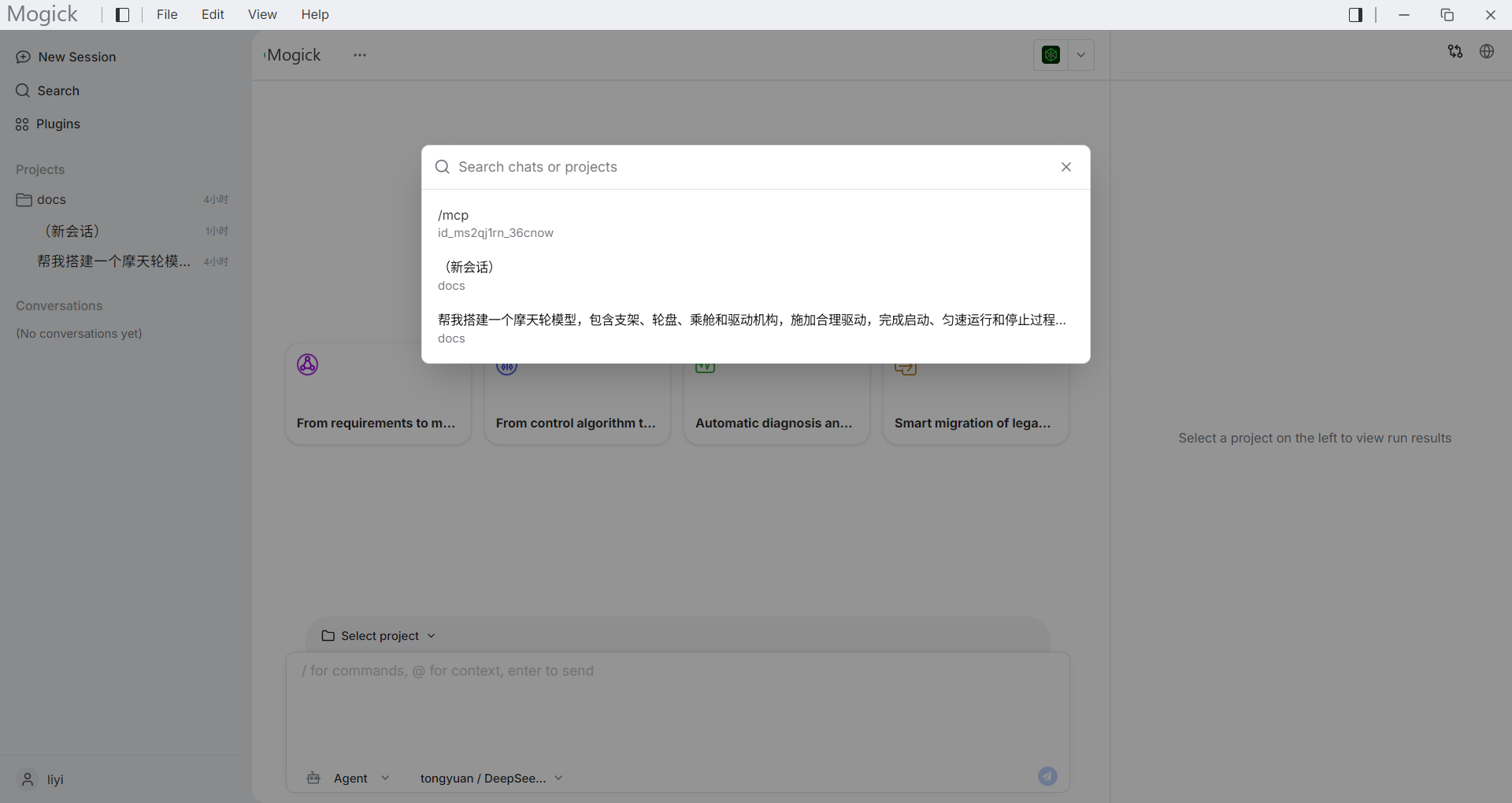
Session entry
After selecting a project, you can create or select a session under the project. Sessions log messages, current model, and execution status.
When sending a message for the first time, Mogick will create this session and start returning results.
Send message
Just describe the task in the input box and send it. Suitable tasks include:
- Explain the current project structure.
- Check a file or model.
- Generate scripts or instructions based on project files.
- Analyze terminal output or results files.
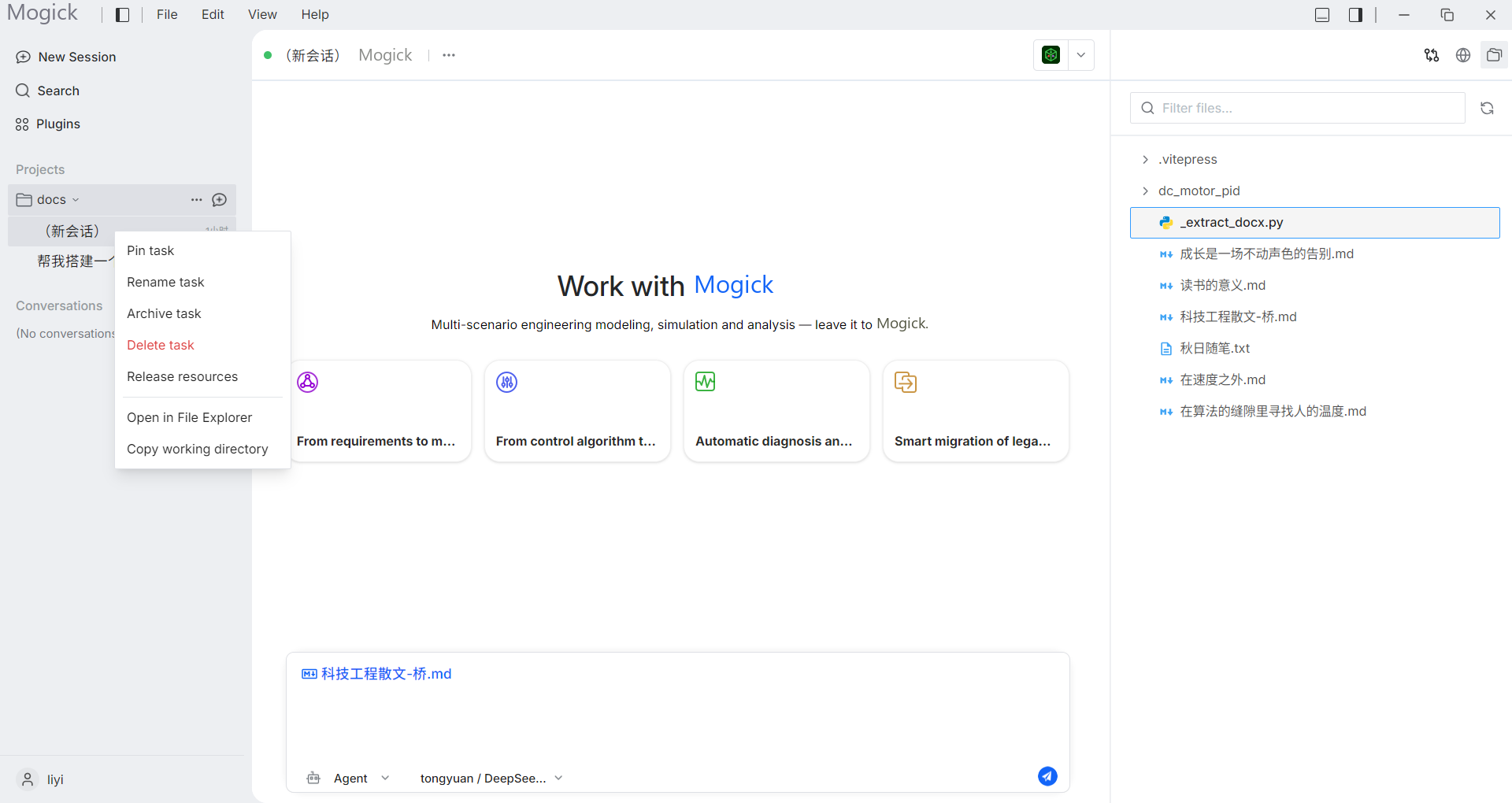
If the file on the right is added to the attachment area through "Add to Chat", the message will bring the corresponding file context.
The attachment will be displayed above the input box, allowing you to confirm which files will be included in this message. You can continue to enter the task description before sending, or remove unnecessary attachments.
Permission request
When a task needs to perform operations that may affect project files or the running environment, a permission request may appear on the interface. Before processing the request, you should confirm:
- Whether the operation target is the current project.
- Whether the command or file operation is as expected.
- Whether the task can be continued after failure or cancellation.
Session recovery
Sessions and messages are persisted locally. After restarting the desktop, select an item to continue viewing historical sessions.
If the connection fails, check [Troubleshooting](/troubleshooting/general#Connection failed) first.