
Help menu and About
The top Help menu currently contains Help documentation, Keyboard shortcuts, and About Mogick.
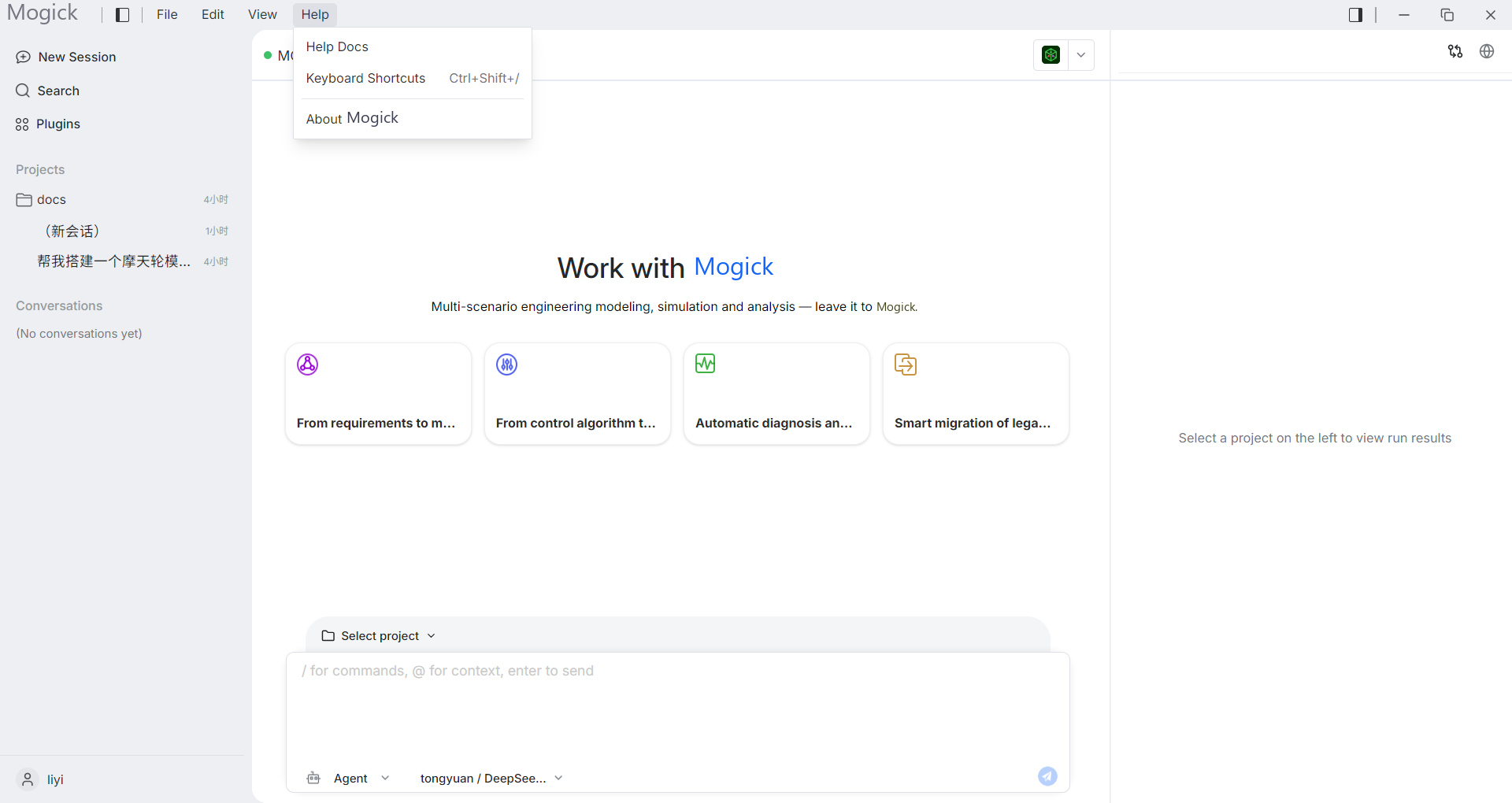
Help documentation opens this help center in the system browser without replacing the current task. Keyboard shortcuts opens the searchable shortcut page and is also available with Ctrl+Shift+/.
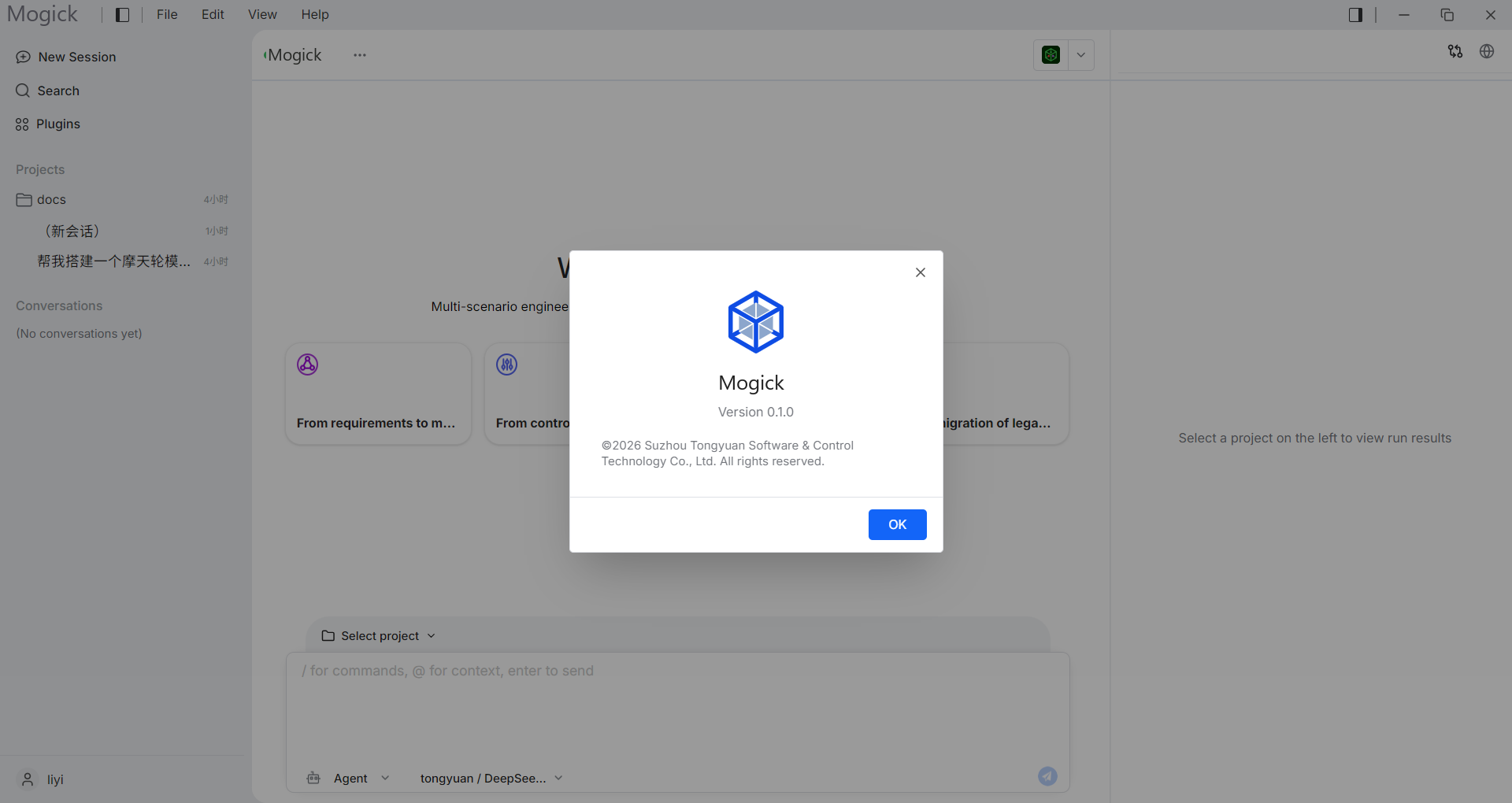
About Mogick shows the product name, version, and copyright. Close it with OK, the close button, the backdrop, or Esc.
Automatic update behavior is configured under Settings → General. The current Help menu does not contain License or Check for updates entries.