
project management
A project is the unit of work for Mogick desktop. Sessions, terminals, file trees, and right-hand products all run around the currently active project.
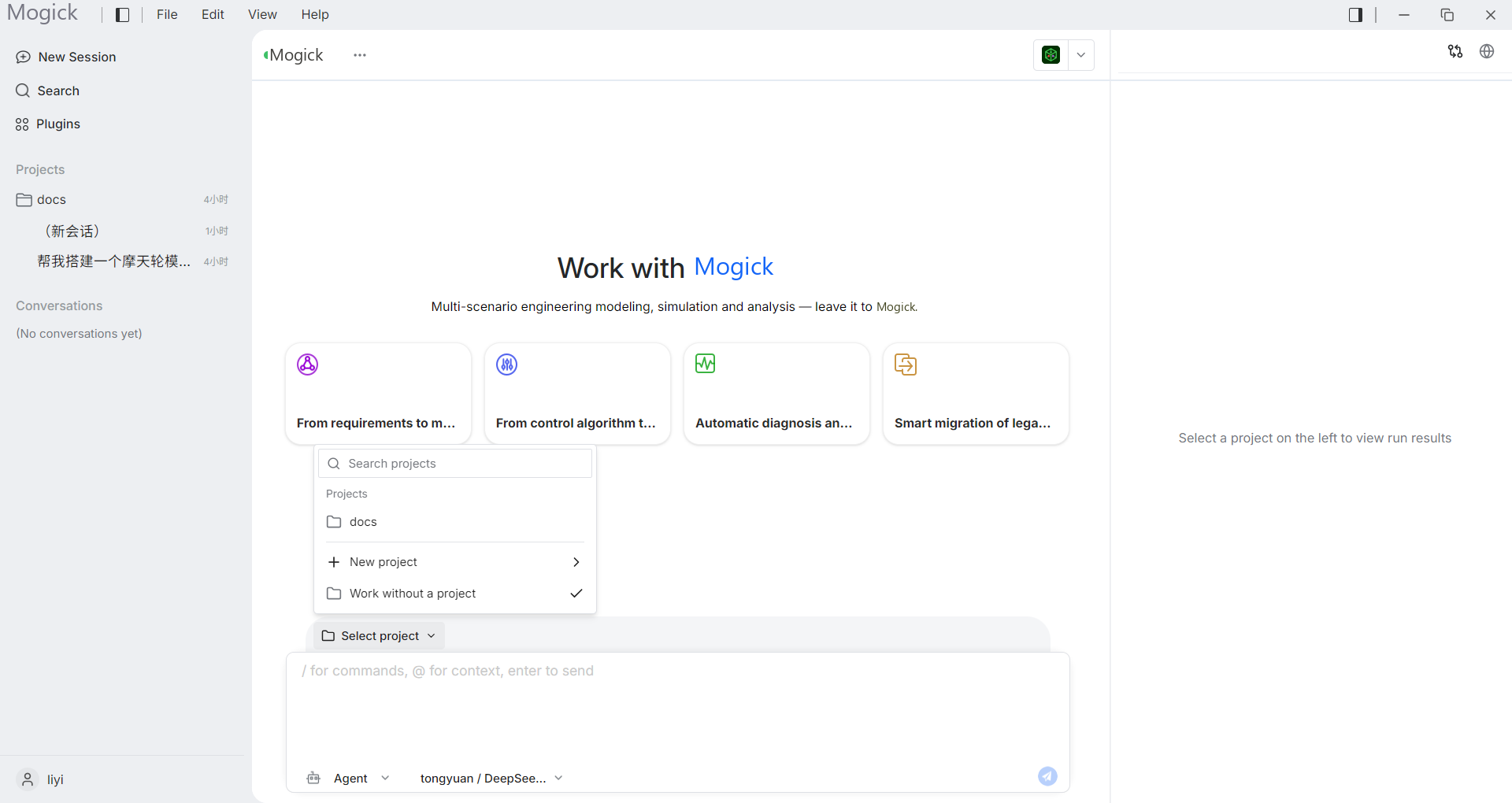
Project list
The project column on the left will list projects that have been created locally. The project contains at least:
- Project name.
- local path.
- Associate sessions.
After restarting the desktop, the project list will be restored from the records saved locally.
Create and rename
When creating a new project, you need to provide the project name and local directory. After the project is created, it will appear in the list on the left and can be activated.
Renaming a project only changes the project name displayed on the desktop and does not rename the folder on the disk.
Activate project
After activating the project:
- The middle conversation bar uses this item as context.
- The file tree on the right reads the project directory.
- Top terminal entrance becomes available.
- External tools open the current project directory or selected files.
Persistence and deletion
Project information is saved locally. Deleting a project will remove the record from the desktop project list, but should not directly delete the project folder on disk.
Before deleting, it is recommended to confirm whether there are still session records that need to be retained under the project.